MEPCO Bill Not Received? Get Your Bill Online in Minutes
MEPCO bill not received is a scary moment. The due date is near. The paper copy never came. Take a breath. Your bill is almost certainly already online. This guide shows you how to see it in minutes, and how to pay without the paper copy.
Table of Contents
- Quick Answer: Your Bill Is Probably Already Online
- Why Your Paper Bill Goes Missing
- Method 1: Check Online With Your 14-Digit Reference Number
- Method 2: Check by SMS (No Internet Needed)
- Method 3: Use Your 10-Digit Consumer ID
- Lost Every Old Bill? Here Is What Still Works
- Can You Check Your MEPCO Bill by CNIC? (Honest Answer: No)
- When Should You Start Worrying?
- How to Pay Without the Paper Bill
- FAQs
Quick Answer: Your Bill Is Probably Already Online
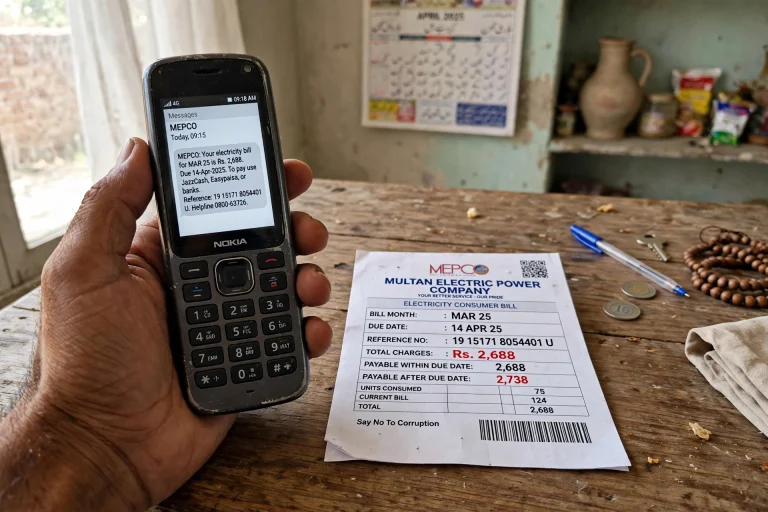
Your bill appears online 2 to 3 days after your meter is read. The paper copy reaches homes 5 to 7 days after the reading. So a late paper bill is normal. It is not a missing bill. Enter your 14-digit reference number in the bill checker on this site. Your current bill opens with the amount and due date. No internet? Text PITC, a space, and your reference number to 8334.
Why Your Paper Bill Goes Missing
It happens every month to someone. The postman delivers late in your street. Your address on the record has a small error. You shifted house and the bill went to the old one. Or the meter reader came late, so the whole cycle shifted. None of this erases your bill. The amount and the due date still stand. If you recently applied for a new MEPCO connection, your first bill follows its own timeline. That is a different story from a late paper copy.
Method 1: Check Online With Your 14-Digit Reference Number
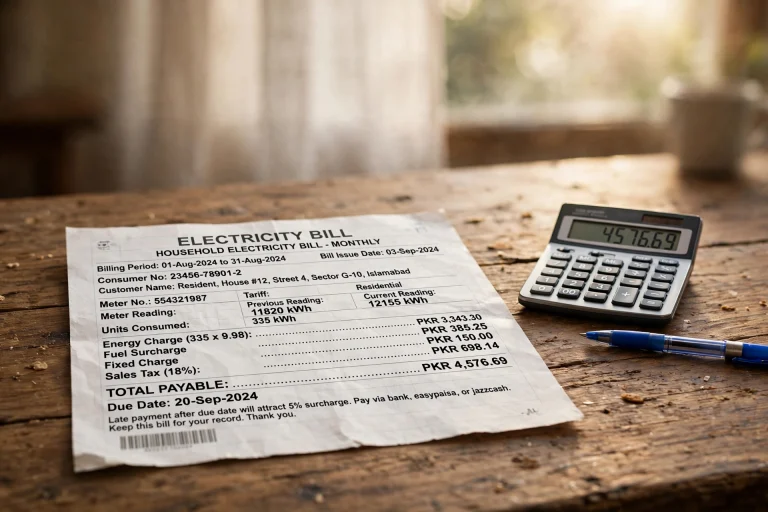
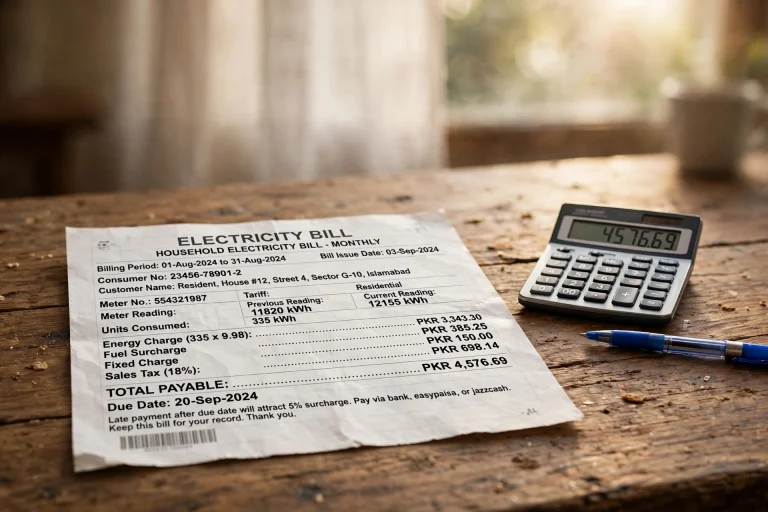
This is the fastest way. Find any old MEPCO bill and copy the 14-digit reference number from the top. Type it into the checker, with no spaces or dashes. Choose U for urban or R for rural if the portal asks. Your current bill opens in seconds, with the amount, the due date, and the units used. You can download it or print it as your duplicate copy. The same number also works on the official PITC portal at bill.pitc.com.pk/mepcobill.
Type one digit wrong and you get someone else’s bill or an error page. Copy the number carefully. Keep it private too. Anyone with your reference number can see your name and address. Never post it in WhatsApp groups. For the full walkthrough with every edge case, read our full reference-number guide.
Method 2: Check by SMS (No Internet Needed)
No data? No problem. Open your phone’s messaging app. Type PITC, then a single space, then your 14-digit reference number. Send it to 8334. You get a reply SMS with your bill amount and due date, usually within a few minutes. This works on a basic keypad phone too. It is handy for older family members who manage their own connection.
Method 3: Use Your 10-Digit Consumer ID
Lost the reference number but have an old bill stub? Look just below the reference number. The 10-digit consumer ID sits there. It works the same way on the portal. Unlike the reference number, it never changes. Meter replaced? Name changed? The consumer ID stays yours for the life of the connection. Save it in your phone once you find it.
Lost Every Old Bill? Here Is What Still Works
No old bill at all? You still have options. Open your banking app and check the bill-payment history. Most apps save the reference number from your last MEPCO payment. Paid through JazzCash or Easypaisa? The number sits in the transaction history there too. Nothing in any app? Call helpline 118 with your details ready. As a last step, visit your subdivision office with your CNIC. They will pull up your account.
Can You Check Your MEPCO Bill by CNIC? Honest Answer: No
Many people ask this. The answer is no. MEPCO’s system does not allow bill lookup by CNIC number. No online portal offers it. Anyone who promises it is guessing. Your reference number or consumer ID is the only key. This site is an independent helper, not MEPCO’s official website. For official services, the real MEPCO site is mepco.com.pk.
When Should You Start Worrying?
Give it time first. Check again 2 to 3 days after your usual reading date. Bills appear online a few days after they are issued, so an early check shows nothing. Still nothing a full week past your normal date? Then act. Call 118 or the toll-free 0800-63726 with your reference number ready. To file a formal complaint, send an SMS to 8118 or use the online complaint portal. If the amount itself looks strange, this month’s fuel adjustment may explain part of the jump.
How to Pay Without the Paper Bill
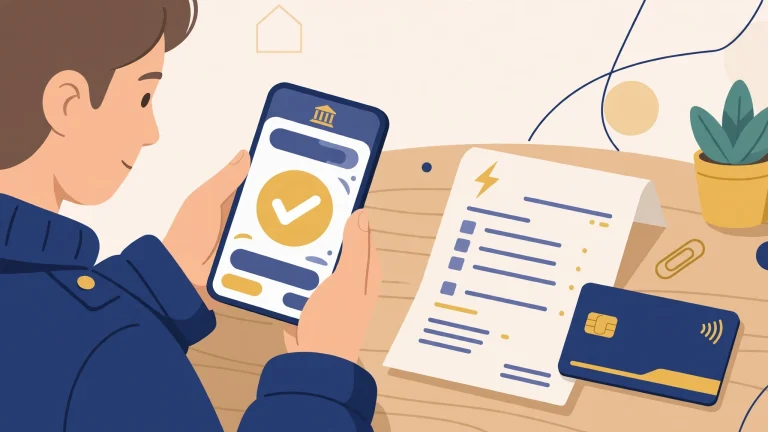
You do not need the paper copy to pay. Open your bank app, go to bill payment, choose electricity, then MEPCO. Enter your 14-digit reference number. JazzCash and Easypaisa both list MEPCO under electricity bills. Pay before the due date. A late payment surcharge gets added after it. Keep the payment receipt or a screenshot until next month’s bill shows the payment. Here is how to pay your MEPCO bill online, step by step.
FAQs
My MEPCO bill did not arrive. What should I do first?
Check it online with your 14-digit reference number. The bill is usually online 2 to 3 days after your meter is read. The paper copy can still be late.
How can I check my MEPCO bill without the paper bill?
Use your 14-digit reference number online. Or text PITC plus your reference number to 8334. Your 10-digit consumer ID works too.
Can I check my MEPCO bill with my CNIC number?
No. The system does not allow bill lookup by CNIC. You need your reference number or consumer ID.
I lost all my old MEPCO bills. How do I find my reference number?
Check your banking app’s bill-payment history. Or call helpline 118. You can also visit your subdivision office with your CNIC.
How long after the meter reading does the MEPCO bill appear online?
Usually 2 to 3 days. The paper copy reaches homes 5 to 7 days after the reading.
Can I pay my MEPCO bill without the paper copy?
Yes. Bank apps, JazzCash, and Easypaisa accept payment with just the 14-digit reference number.